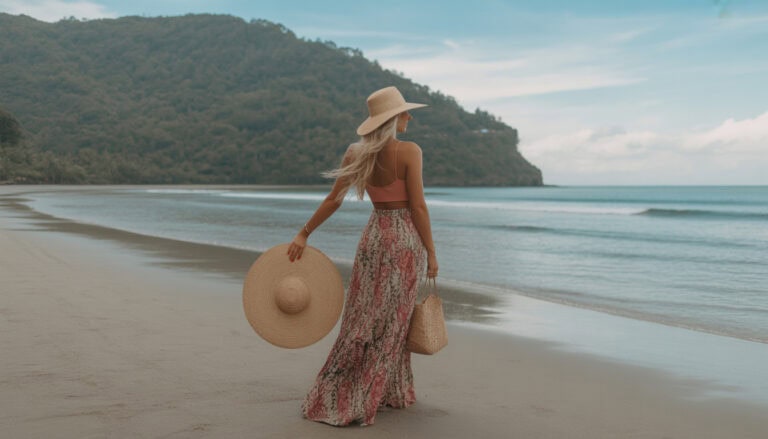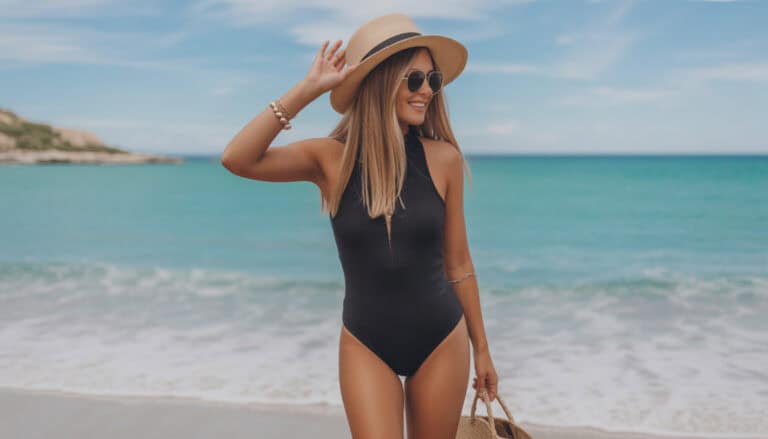
Aesthetic Beach Wallpaper iPhone Backgrounds That Calm You
I love a quick mood boost, and with three boys, I need it! My phone is my little escape, which is why I keep it sunny with aesthetic beach wallpaper iphone backgrounds that feel like sunscreen, fresh waves, and a deep breath. Simple, bright, and family friendly, even when the laundry pile looks like a mountain.
In this post, I’ll show you how to pick a summer look that fits your style, from soft pastels to bold tropicals. You’ll see where to find safe, high quality wallpapers without weird pop-ups, and how to save them the right way.
I’ll walk you through sizing and setting them on iPhone, including Lock Screen and Home Screen tips. We’ll do quick edits that make any photo pop, like cropping, light tweaks, and color boosts, all right in Photos. I’ll share easy automations to rotate your favorites, so your screen changes with your mood. I’ll also cover quick fixes for common hiccups, like text getting lost or faces getting cropped.
It’s all simple steps, zero tech stress. Grab a beachy background that makes your phone feel like vacation, even in the school pick-up line. Ready for a tiny slice of summer, right in your hand? Let’s do it!
Summer Vibes 101: Colors, Styles, and Themes That Pop on iPhone
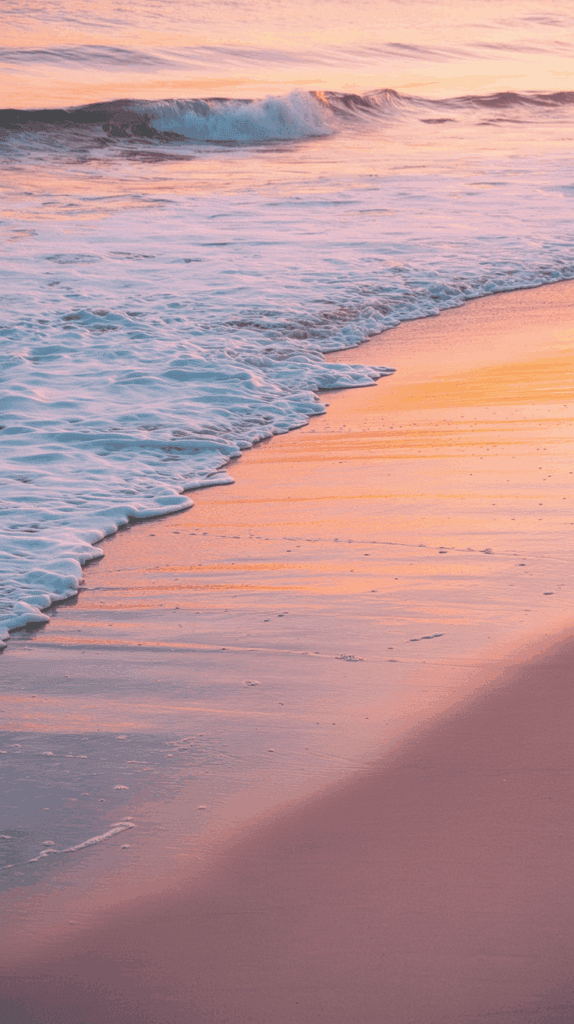
I switch my Lock Screen like I switch beach towels, often and with a smile. If you want your phone to feel bright and breezy, this is the easy part. With the right colors and styles, your aesthetic beach wallpaper iphone setup can look fresh all summer without fuss. I use quick color recipes, simple style cues, and kid-approved themes that still look polished. Pick one, set it, then enjoy that tiny vacation every time you tap the screen.
Color Palettes That Feel Like Sunshine

Color sets the mood fast, so I keep a few go-to combos ready. Think of these like your swim bag basics, always packed and easy to grab.
- Aqua + Coral: Bold, happy energy. Bright aqua water with a coral float or umbrella. I use this for busy days when I need a lift. Great for weekends, beach trips, and workout Focus modes.
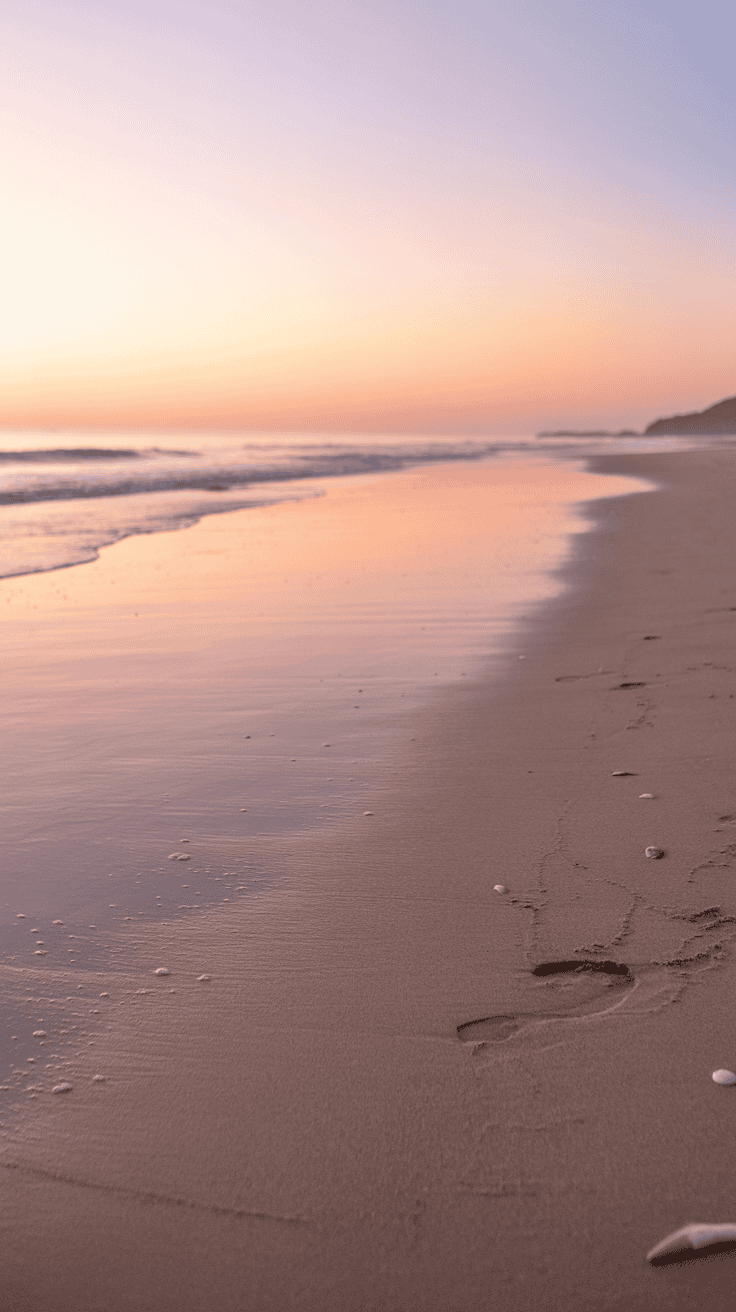
- Pastel Mint + Sand + Peach: Calm, soft mornings. Mint sky, sandy beige shore, a touch of peach glow. I set this for errands or school drop-off, when I want gentle focus without harsh contrast.
- Sunset Orange + Rose + Lavender: Cozy evenings. Warm orange sun, light rose clouds, soft lavender horizon. I switch to this after dinner, perfect for Wind Down and bedtime routines.
- Deep Teal + Gold: Luxe with drama. Teal water, golden light, maybe a sparkly reflection. I save this for date nights or solo coffee runs, because it feels special.
Quick tip to keep it smart:
- Match palettes to Focus modes or time of day. Aqua and coral for Work or Fitness. Pastels for Morning. Sunset tones for Evening. Deep teal and gold for Personal. Automations make the swap feel magic.
Example I love:
- Morning Focus uses a pastel shore photo, then Work switches to an aqua scene at 9 a.m., and Wind Down brings in a rosy sunset at 7 p.m. Simple, pretty, and practical.
Aesthetic Styles Moms Love
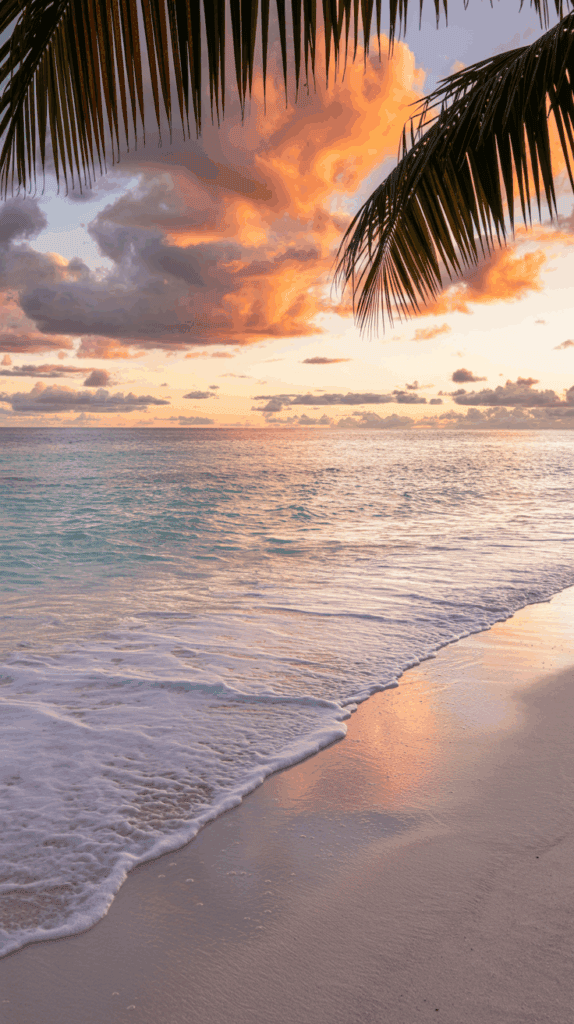
These styles are easy to find and easy to set. Use the search cue in your photo app or browser to pull options fast.
- Minimal shorelines: Clean horizon, one or two elements, plenty of breathing room. Search cue: minimal beach wallpaper iPhone.
- Tropical palms: Leaf shadows, bright sky, crisp blue water. Search cue: tropical palm iPhone wallpaper.
- Retro film look: Soft grain, warm fade, tiny light leaks. Search cue: vintage beach film wallpaper iPhone.
- Aerial beaches: Curved coast, clear water lines, tiny umbrellas. Search cue: aerial beach iPhone wallpaper.
Pair styles with memories:
- Minimal for quiet staycations. Palms for family pool days. Retro film for throwback trips. Aerial shots for that big beach vacation you still talk about.
Kid-Friendly Themes My Boys Always Pick

I want playful, but I still want my screen to be readable. These choices hit both, and my boys ask for them again and again.
- Sandcastle close-ups with bright pails or shovels
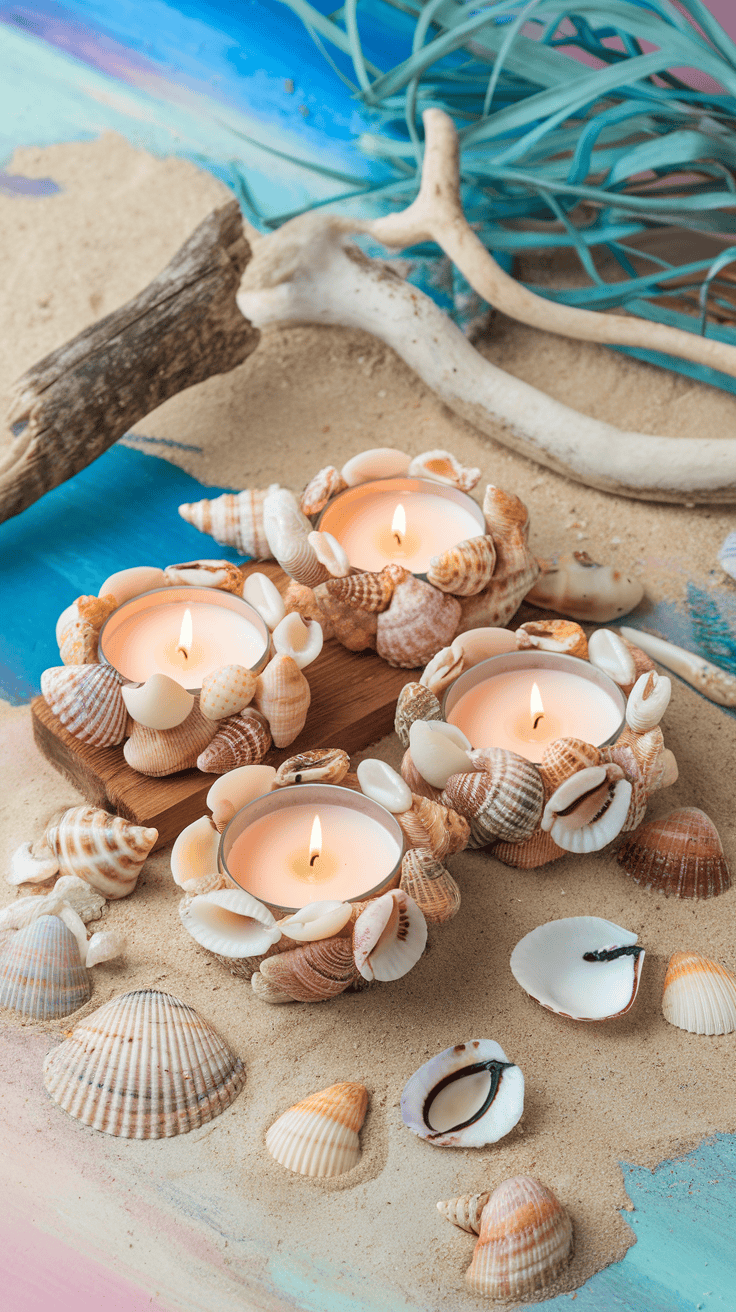
- Seashell flat lays in simple patterns
- Sea turtles in clear, shallow water
- Gentle waves with a white foam edge
- Surfboards in a row on the sand
- Colorful lifeguard towers against blue sky
Mom tip that saves the day:
- Choose images where the main subject sits below the clock on the Lock Screen. Faces, towers, or boards should not cover the time or widgets. I check the preview before setting it, then nudge the image up or down to clear the clock. Clean, cute, and everyone can still see the weather and calendar at a glance.
Best Places to Download Safe, High-Res Beach Wallpapers

I keep my phone bright with beach scenes that actually look sharp, not fuzzy. For aesthetic beach wallpaper iphone picks that are safe and clean, I stick to trusted sources, clear licenses, and the biggest files I can find. Here is how I grab beautiful images fast, without the headache.
Trusted Free Sources and Licenses
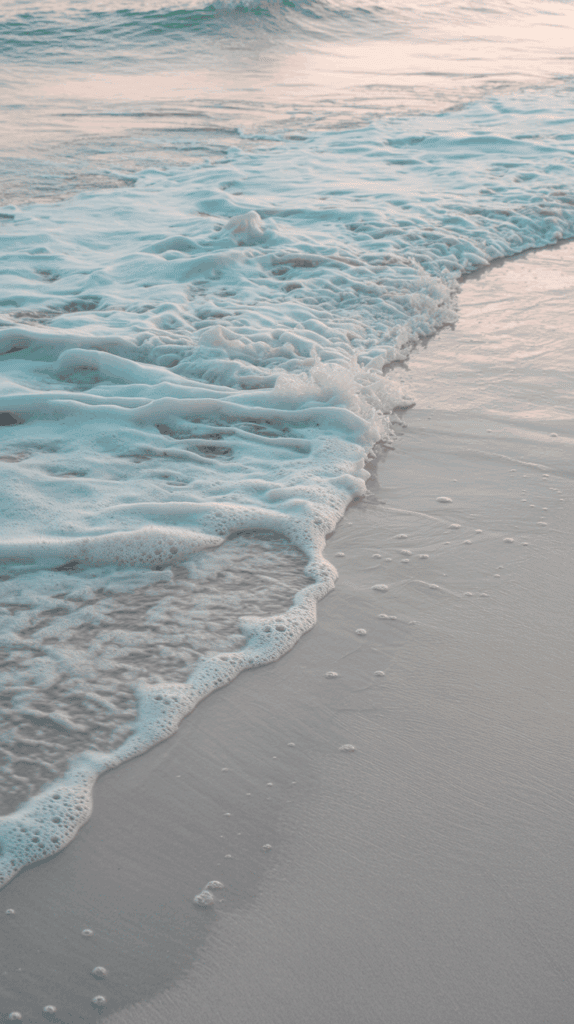
I reach for three reliable sites when I want quick, safe downloads. They are easy, mom-friendly, and full of pretty options.
- Unsplash: Huge library, great quality. Search beaches, palms, shells, or waves and you will find something lovely.
- Pexels: Simple filters, strong color variety. Perfect for soft pastels or bold tropicals.
- Pixabay: Plenty of choices, including illustrations and textures if you want a playful look.
Before I tap download, I open the license page on each site and scan for a few key phrases:
- “Free for personal use”
- “No attribution required” (if shown)
If the license looks unclear, I skip it. No stress, more options ahead.
Mom tip for crisp screens:
- Download the largest size available, often called Original or Full resolution. Big files look clean on the Lock Screen, even after cropping.
Quick size guide I use:
- Aim for 3000 px tall or more for modern iPhones.
- If there is a choice, choose the taller, vertical image. It fits better and saves time.
Support Creators With Paid Bundles
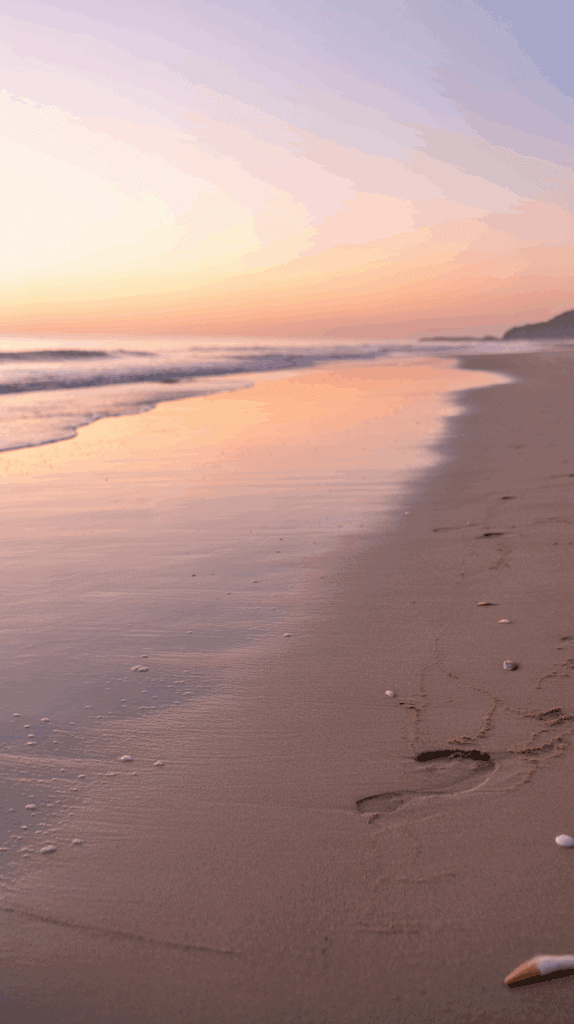
When I want a set that feels pulled together, I shop from creators. It costs a few dollars, but the quality is worth it, and I love supporting artists.
Where I shop:
- Etsy: Tons of curated beach packs with previews and reviews.
- Gumroad: Clean storefronts from indie designers and photographers.
- Creator websites: Great for premium packs with extras, like Lightroom presets or color-matched icons.
What I look for before I buy:
- File size: At least 3000 px tall, or 4K if offered.
- Aspect ratio: 9:19.5 listed for iPhone. Keeps the crop simple.
- Clean subject placement: Open space near the top for the clock and widgets.
- Previews: Images showing both Lock and Home screens.
- Variety: A mix of minimal waters, pastel skies, and detail shots.
Sweet bonus with paid packs:
- Matching sets for Lock and Home screens.
- Seasonal colorways like soft spring pastels, bright summer blues, or moody fall teals. I swap them with Focus modes, which feels so smart and tidy.
Smart Search Terms to Find Hidden Gems

Good keywords can cut your scroll time in half. I keep a little list in Notes and paste as needed.
Try these:
- minimal beach iPhone wallpaper
- pastel ocean background
- sunset beach lock screen
- aerial beach umbrellas
- palm shadow wallpaper
- tropical shoreline 4K
- film grain beach aesthetic
One more step that helps:
- Filter by vertical orientation. You will get better fits, fewer crops, and faster results.
What to Avoid so Your Phone Stays Clean and Legal
I want cute, not messy. These guardrails keep my phone safe and my conscience clear.
- Watermarks: If you see a name or logo stamped on the image, skip it.
- AI images with unclear rights: Unless the creator lists clear usage terms, pass.
- Scraped pins with broken sources: If the link is shady, I back out.
- Unclear or commercial-only licenses: If it says commercial only or the terms are confusing, choose a different image.
Kind habit that teaches kids respect:
- If attribution is requested, I credit the photographer in my Notes app. I keep the link and the name. It takes ten seconds, and it is a good model for our kids about using art the right way.
Friendly refresher:
- Big files, clear terms, clean subjects. Those three make every beach screen look like a tiny vacation, even between soccer practice and dinner!
Fit It Perfectly: Size, Crop, and iOS Settings for a Clean Look
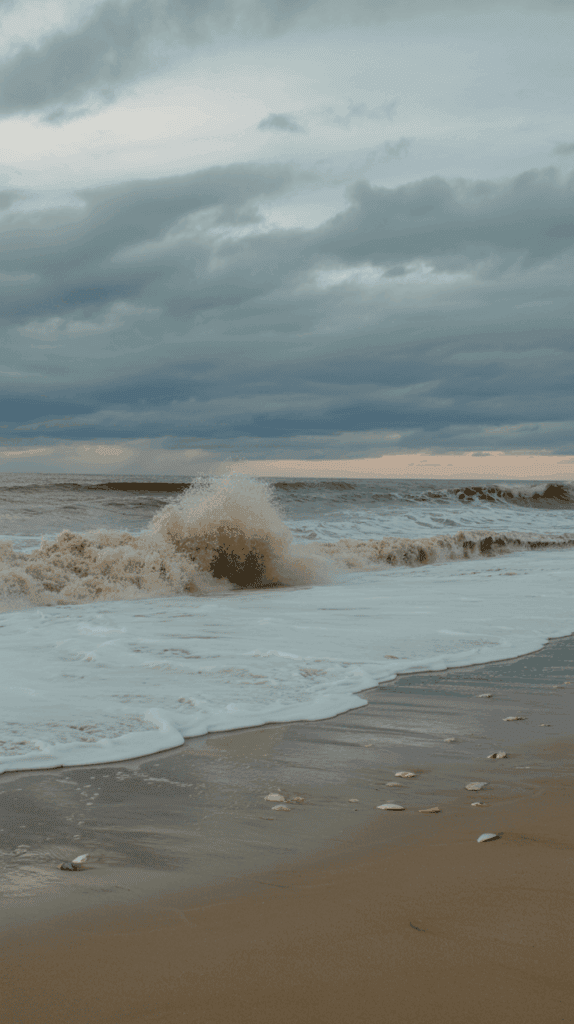
A little planning makes your screen look fresh and calm, even on a busy day. For my aesthetic beach wallpaper iphone setup, I focus on tall, sharp images, a tidy crop, and a layout that keeps the time and icons readable. It takes two minutes, and the result feels like a tiny beach break every time I pick up my phone!
Best Size and Aspect Ratio for Current iPhones
I stick to a simple rule that works across models. Pick images that are at least 3000 pixels tall, with a tall portrait crop close to 9:19.5. Bigger files look great, and iOS scales them down cleanly.
If you like reference sizes, these have been steady for my family phones:
| iPhone type | Common screen size (px) |
|---|---|
| Larger models | 1290 × 2796 |
| Standard models | 1170 × 2532 |
What matters most:
- Height first: A tall file gives you room to crop.
- Clean subject: Clear sand, sky, water, or one main focal point.
- Vertical images: Less trimming, faster setup.
Quick checks I do before saving:
- Zoom to 100 percent and scan the horizon. No fuzz.
- Make sure the main subject can sit below the clock.
- Leave some soft space near the top for the time and widgets.
Safe Zones for Time, Dynamic Island, Widgets, and Icons
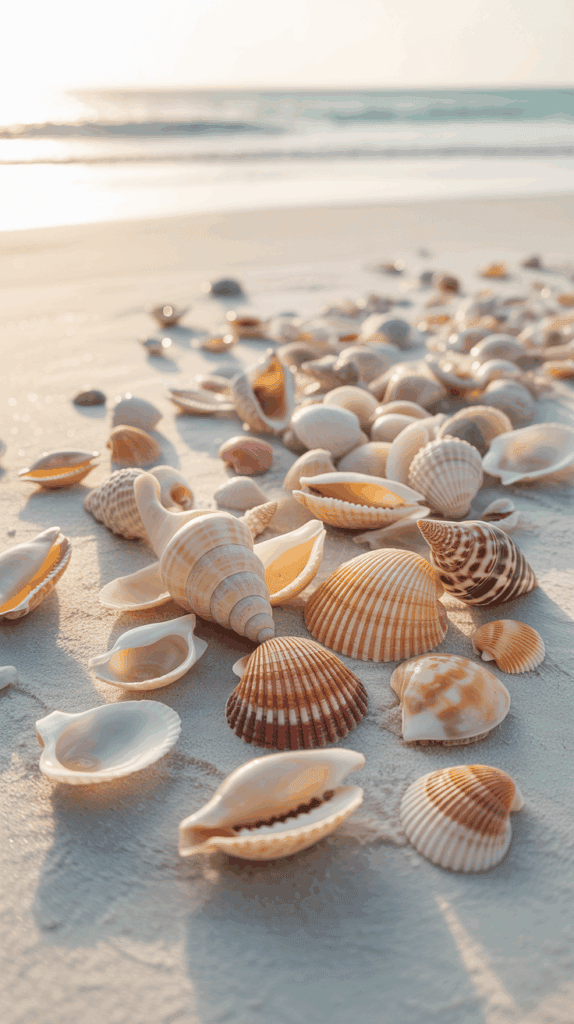
A cute photo can turn messy if the clock or icons sit on top of busy details. I plan the layout while I crop, so everything stays easy to read at a glance.
What works every time:
- Middle or lower third: Keep the main subject there. Think shells, surfboards, or a small lifeguard tower.
- Top center space: Leave gentle sky or soft water for the clock and Dynamic Island.
- Avoid tiny text: Thin lettering disappears behind app icons. Skip quotes on the Home Screen.
- Simple textures for Home: Sand, sea foam, or a pastel gradient keep icons crisp.
My easy test:
- Fill the first row of apps with a busy mix. If the names still read clean, you picked a winner.
Friendly tips I love:
- Contrast counts: Light wallpaper, dark text. Dark wallpaper, light text.
- Depth Effect looks fun, but do not block the time. Nudge the subject down if needed.
Lock Screen vs Home Screen: Easy Pairings That Stay Readable
I like a little drama on the Lock Screen, then calm on the Home Screen. Think showpiece, then whisper. That contrast helps me scan fast, even with three boys asking for snacks.
Try these simple pairings:
- Detailed Lock, blurred Home: Use a sharp beach photo on the Lock Screen. Set a blurred color wash of the same image for Home. It feels matched, but not noisy.
- Sunset Lock, pastel Home: Warm orange sun on the Lock Screen, then a soft pastel gradient on Home. Icons pop, and it still feels dreamy.
- Palm silhouettes Lock, sandy Home: Dark palms against sky for Lock, then a minimal sand texture on Home. Calm, clean, and very readable.
Key reminder:
- Keep the Home Screen calmer than the Lock Screen. Your eyes will thank you during the dinner rush.
Set It Up Step by Step (iOS 17 and newer)
You can set a beautiful wallpaper in under a minute. I follow this path on every phone in our house.
- Long-press the Lock Screen, then tap the plus button.
- Choose Photos, then pick your beach image.
- Pinch to crop, and slide the photo so the subject sits below the time.
- Toggle Depth Effect if you see it. Move the subject slightly to activate or clear it.
- Tap Add, then choose Set as Wallpaper Pair, or tap Customize Home Screen to add a blur or a matching color.
- Tap the Focus button to link it, if you want it to switch automatically for Work, Personal, or Wind Down.
Extra help:
- You can adjust later in Settings > Wallpaper.
- If you see a Motion or parallax option on your phone, test it. I turn it off when the kids borrow my phone, since it keeps things steady.
Fast fixes I do if text looks muddy:
- Lower the image slightly, so the time sits on clean sky.
- Switch the Home Screen to a blurred or solid color pulled from the photo.
- Try a different Lock Screen font that has more weight.
With the right size, a smart crop, and a tidy setup, every glance feels like a breath of sea air. Simple, pretty, and mom-proof!
Quick Phone Edits for That Dreamy Aesthetic
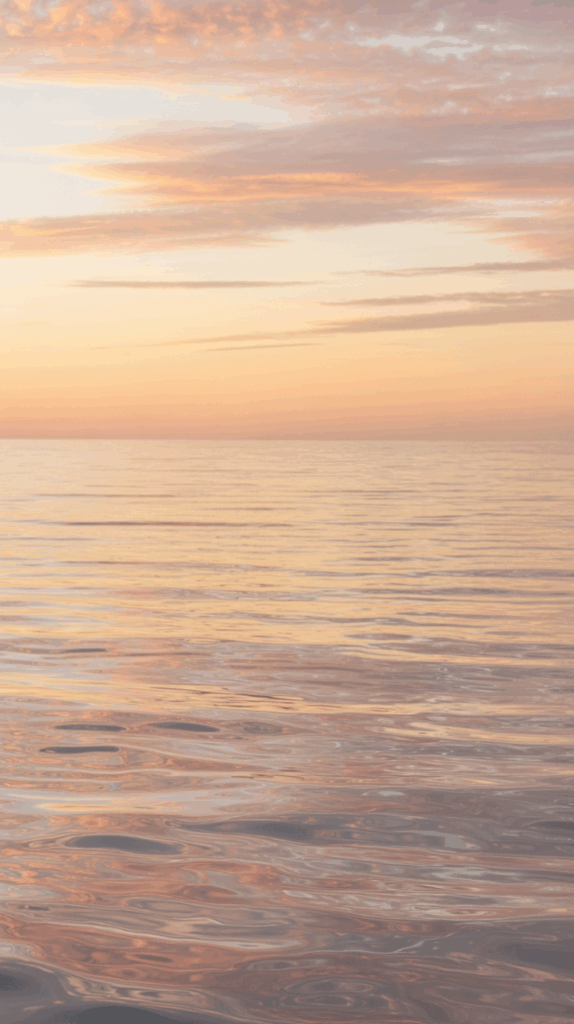
When a beach photo is close but not quite there, I do tiny tweaks that make it glow. These simple moves give any aesthetic beach wallpaper iphone that soft, breezy finish I love. I keep it quick, mom-fast, and easy to repeat, even when someone is asking for a snack.
One-Minute Fixes in the Photos App
I start right in Photos because it is fast and built in. These steps work on bright beach shots, pastel skies, or gentle waves.
- Tap Auto Enhance. It sets a clean base without much effort.
- Slide Highlights down a little. This brings back cloud detail and softens bright water.
- Nudge Shadows up a touch. You will see more detail in sand and palms.
- Add a hint of Vibrance. Colors wake up without turning neon.
- Warm it up with Warmth. Just a bit for that sun-kissed vibe.
- Crop and straighten. Keep the horizon level, and place it low enough so the time sits on sky or clean water. I leave space near the top for the clock and widgets.
- Add a soft Vignette. Keep it very light, just enough to guide the eye toward the center.
Quick checks I always make:
- If the sky looks harsh, lower highlights a little more.
- If faces or shells look flat, lift shadows one notch.
- If colors feel loud, pull back Vibrance until it looks natural.
Small changes add up. Two or three minutes and it feels like a postcard.
Free Apps That Make Colors Pop Without Overdoing It
When I want more control, I grab one of these free apps. I keep edits gentle so the screen stays clean and readable.
- Lightroom Mobile
- Add light Warmth for glow.
- Pull Clarity down a notch to soften edges, especially on sky.
- Lower Texture a bit for silky water and soft foam.
- Use Color Mix if needed. A tiny bump in aqua or blue can make water sparkle.
- Keep Grain very light, if at all. I want crisp text over app icons.
- Skip heavy Sharpening on water. It can turn waves crunchy.
- Snapseed
- In Tune Image, start with small moves:
- Brightness up a touch, Contrast down a hair, Saturation up just a bit.
- Use Curves for a gentle S-curve:
- Lift the highlights slightly, drop the shadows a tiny bit. This adds depth without fake-looking contrast.
- If the sky is noisy, try Details with Structure low or zero.
- In Tune Image, start with small moves:
- VSCO
- Pick a soft film preset with a warm lean, not a strong fade.
- Reduce the preset strength to keep texture natural.
- Add Grain very lightly. I stop as soon as it feels cozy, not gritty.
- Use HSL sparingly. Keep blues calm so the icons still pop.
Helpful rule I follow:
- If the photo looks great but the Home Screen names feel fuzzy, tone down grain, lower contrast, or switch to a cleaner background for the Home Screen.
Add Subtle Text or Quotes Without Clutter
Sometimes I add a tiny phrase for a mood boost. I keep it short, clean, and high contrast so nothing fights the clock or icons.
- Use Canva or a similar app. Open your image and add text.
- Pick a simple font. I like thin sans for calm, or a soft serif for cozy.
- Choose high contrast. Light text on dark, or dark text on light.
- Place text just above the dock or in a clear corner. Avoid the area under the clock.
- Keep it one or two words. Examples I use:
- Breathe
- Beach Day
- Slow Tide
- Sunshine
- Size the text so it reads at a glance, not loud or heavy.
- Avoid text on the Home Screen. App names compete, and it looks busy.
Little layout tricks:
- If the sky is clean, tuck a tiny word near the bottom right.
- If you have a big open sand area, place the phrase low and centered.
- Snap a grid line to keep the word straight. Crooked text makes me twitchy.
With these quick edits and small finishing touches, your beach wallpaper looks dreamy, calm, and ready for busy days. It is simple, pretty, and it makes every unlock feel like fresh air.
Make It Yours: Rotations, Family Picks, and Quick Fixes
I like my phone to feel personal, fun, and easy to use, even on the busiest days! With a few simple tweaks, my aesthetic beach wallpaper iphone setup shifts with our family rhythm. I keep mornings bright, afternoons crisp, and evenings calm, so my screen feels like a tiny breath of ocean air whenever I tap it.
Build a Summer Wallpaper Rotation With Focus
A small rotation keeps things fresh without fuss. I set up 3 to 5 Lock Screens for morning, afternoon, and evening, then tie each one to a Focus or a schedule. It switches on its own, which feels so smart when I am juggling snacks and sunscreen.
How I set it up:
- Create 3 to 5 Lock Screens in the Wallpaper gallery.
- Assign each to a Focus like Work, Personal, or Sleep, or set a time-based schedule.
- Pick brighter images for mornings and midday. Think aqua skies, sparkling water, and sunny sand.
- Use softer, darker images for night. Try lavender sunsets, deep teal water, or palm silhouettes.
Simple rotation ideas:
- Morning, soft pastel shore with mint and peach.
- Afternoon, bold aqua waves or a bright lifeguard tower.
- Evening, rosy sunset with calm clouds.
- Weekend, palm shadows with a little texture.
- Sleep, very dark blue water with a clean top for the clock.
Pro tip I love:
- Keep the subject below the clock and leave the top clean. You will read the time at a glance without squinting.
Create Mood-Based Bundles the Kids Can Help Choose

Involve the kids for a sweet family touch. I make a Shared Album called Beach Vibes and let the boys add favorites like shells, surfboards, and sea turtles. They love it, and I still keep it tidy.
Try this simple plan:
- Create a Shared Album, Beach Vibes, and turn on Collaborate.
- Ask the kids to add 10 to 15 photos each. Keep them vertical and clear.
- Sort into mini sets by color or mood:
- Calm Pastels: mint skies, sandy beige, peach glow.
- Golden Sunset: warm orange light, soft rose clouds.
- Palm Party: green palms, bright blue water, bold shadows.
- Rotate one bundle each week for a fresh feel without redoing everything.
- Let each child pick the weekend Lock Screen. It turns into a tiny family tradition!
Kid-friendly chooser tips:
- Set simple rules, like no busy text and no clutter near the clock.
- Save a matching Home Screen blur from the same photo for a clean look.
Quick Fixes: Blurry, Zoomed, or Depth Effect Not Working
Little hiccups happen, but they are easy to fix. I use these quick checks when something looks off.
- Blurry
- Redownload at full size. Choose Original or 4K if offered.
- Pick a taller image, at least 3000 px high, to keep edges sharp.
- Zoomed
- When setting the wallpaper, pinch out to reduce the crop.
- Start with a larger original so iOS has room to scale.
- Depth Effect
- Move the subject slightly, then toggle Depth Effect again.
- Choose photos with clear foreground and background, like a palm in front of sky.
- If the toggle is missing, that image may not support it.
- Widgets hide details
- Pick a simpler background with clean sky or water.
- Move the subject lower in the frame, then recheck the preview.
Fast sanity check:
- If the clock or widgets look busy, slide the image down a bit, pick a darker font style, or use a blurred Home Screen from the same photo. Clean, readable, and still beachy!
Conclusion
A beachy screen really can change the mood of a busy day, even between snacks and school runs. I keep coming back to the joy of a simple, pretty setup that feels like sunshine. If you want quick wins with your aesthetic beach wallpaper iphone picks, start small and keep it fun.
Here is my mom plan that works every time. Choose one palette and one style today, then set a Focus-linked rotation for the week so your phone shifts with your schedule. Morning gets mint and sand, afternoon gets bright aqua, evening settles into warm sunset or deep teal. Ask the kids to vote on the next set, and save their favorites in a shared album. It turns into a tiny tradition, and it keeps the screen clean and readable.
Sunny colors, calm crops, and a tidy Home Screen make every tap feel lighter. Thanks for spending time here, friend. Ready to make your screen feel like summer every time you tap it? Let’s do it!
This post may contain affiliate links. Read the full disclosure here.